
Run the day
Build the board, capture follow-ups, and keep the first records.
Golf course maintenance software, built from the work
GroundControl brings the Job Board, Course Actions, turf care records, invoices, budgets, equipment, irrigation, weather, calendars, photos, and reporting into one course operation.
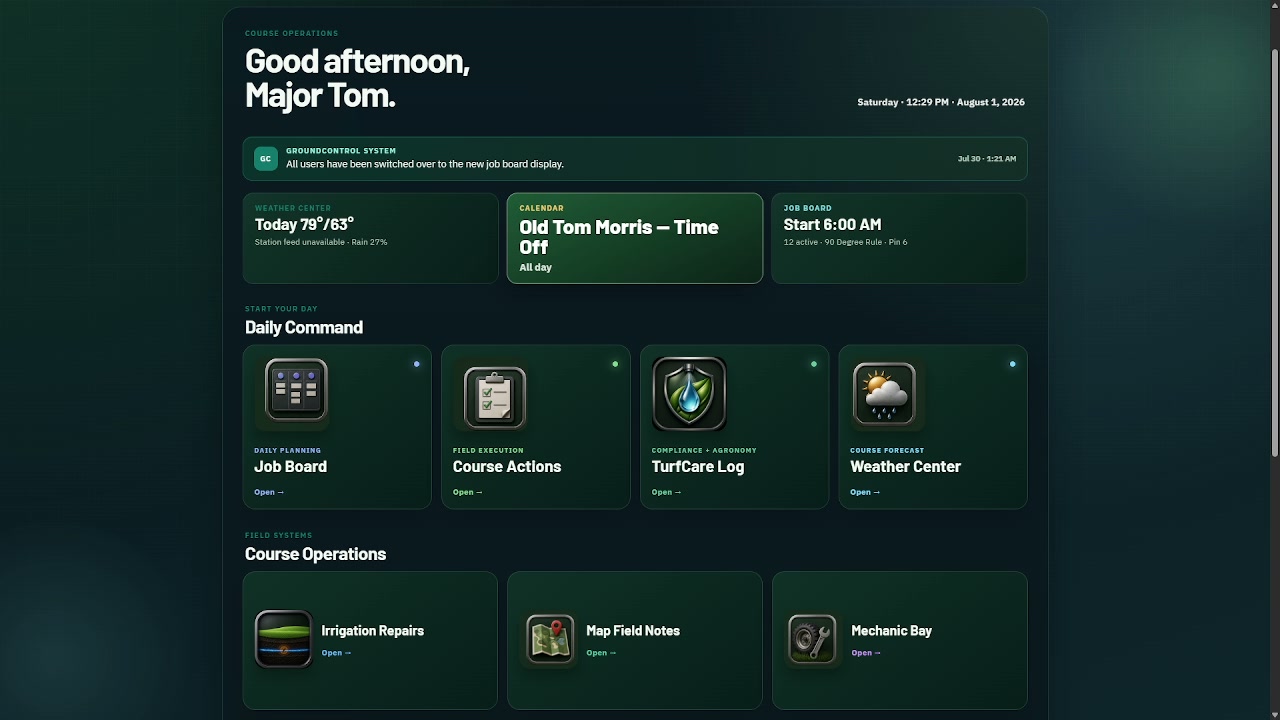
Start with the board you use every morning
GroundControl's Job Board grew from the same progression many shops know: chalkboard, whiteboard, spreadsheet, monitor—and finally a board made for the work.
Set the day, course conditions, directions, and notes.
Pull work from the Job Library and place it with the crew.
Give the shop and Pro Shop clean, read-only views.
Look back by day, employee, job, and frequency.
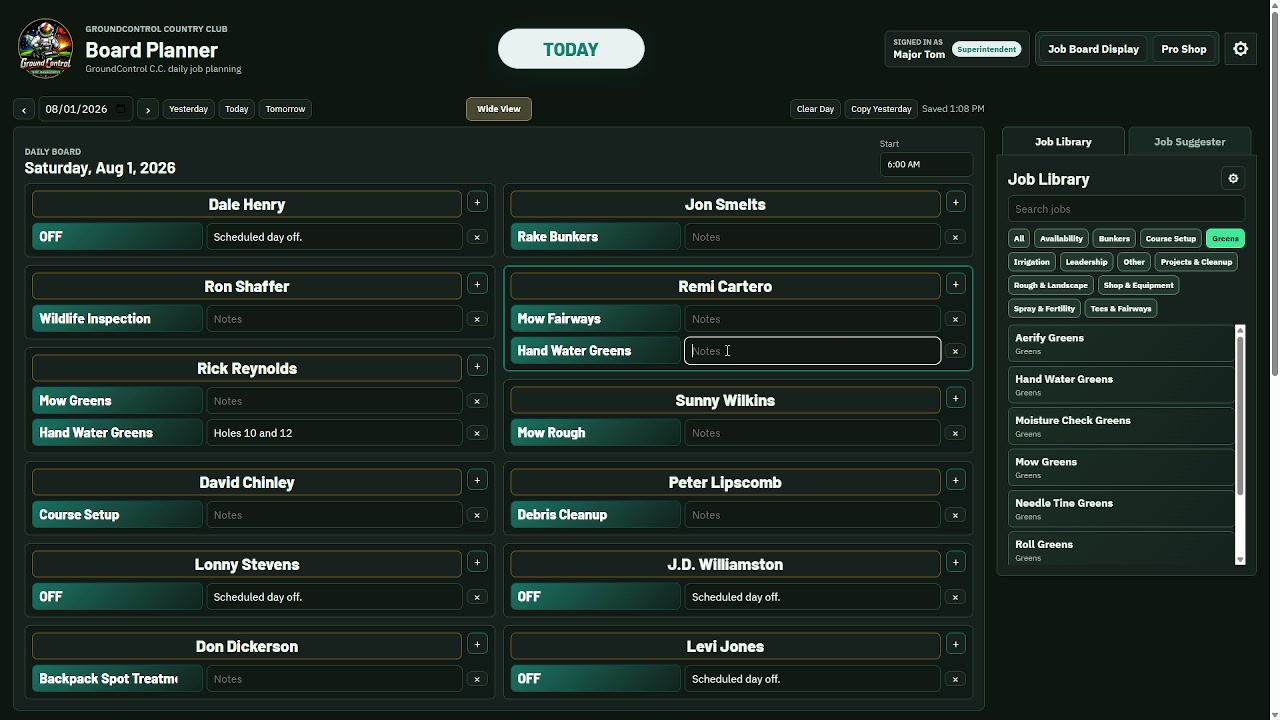
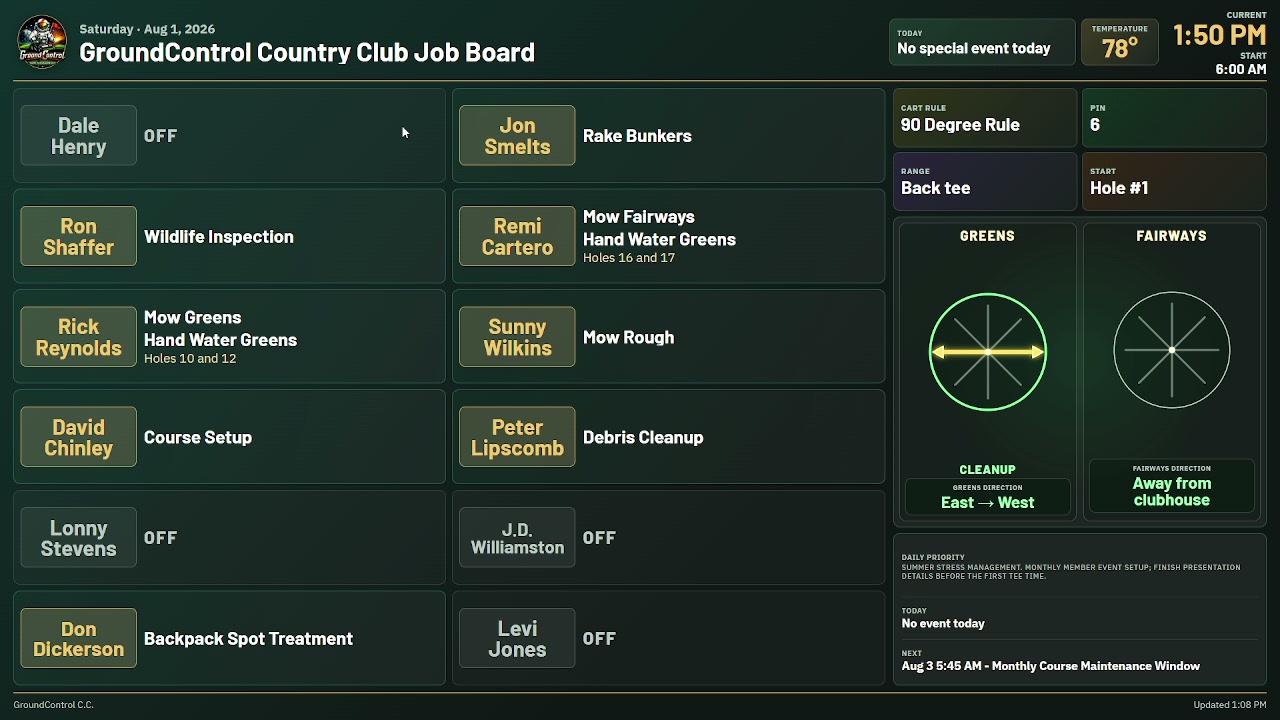
The board solves a real problem on the first day. The history begins as a by-product of running the day—not as a separate reporting chore.
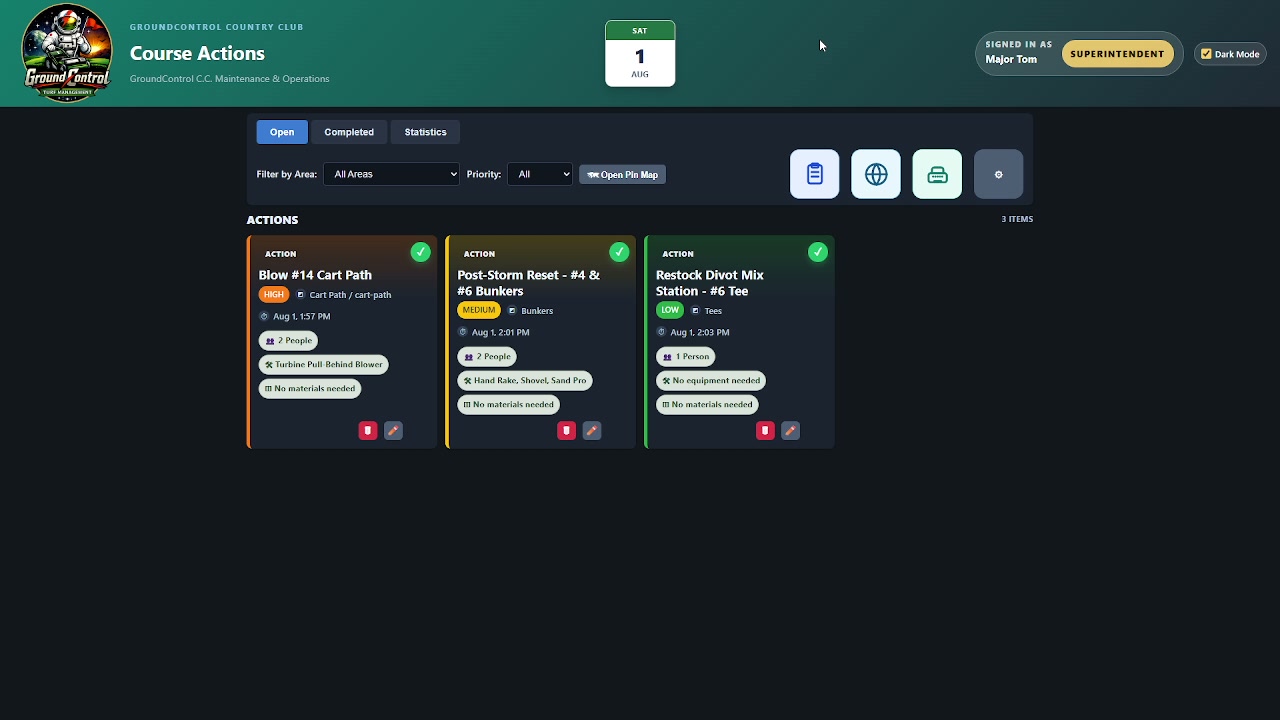
When the day changes
Thirty minutes of unexpected labor is only useful if the right job comes to mind. Course Actions keeps repairs, projects, and follow-ups available with the area, priority, people, equipment, materials, GPS, photos, and notes attached.
More than a spray log
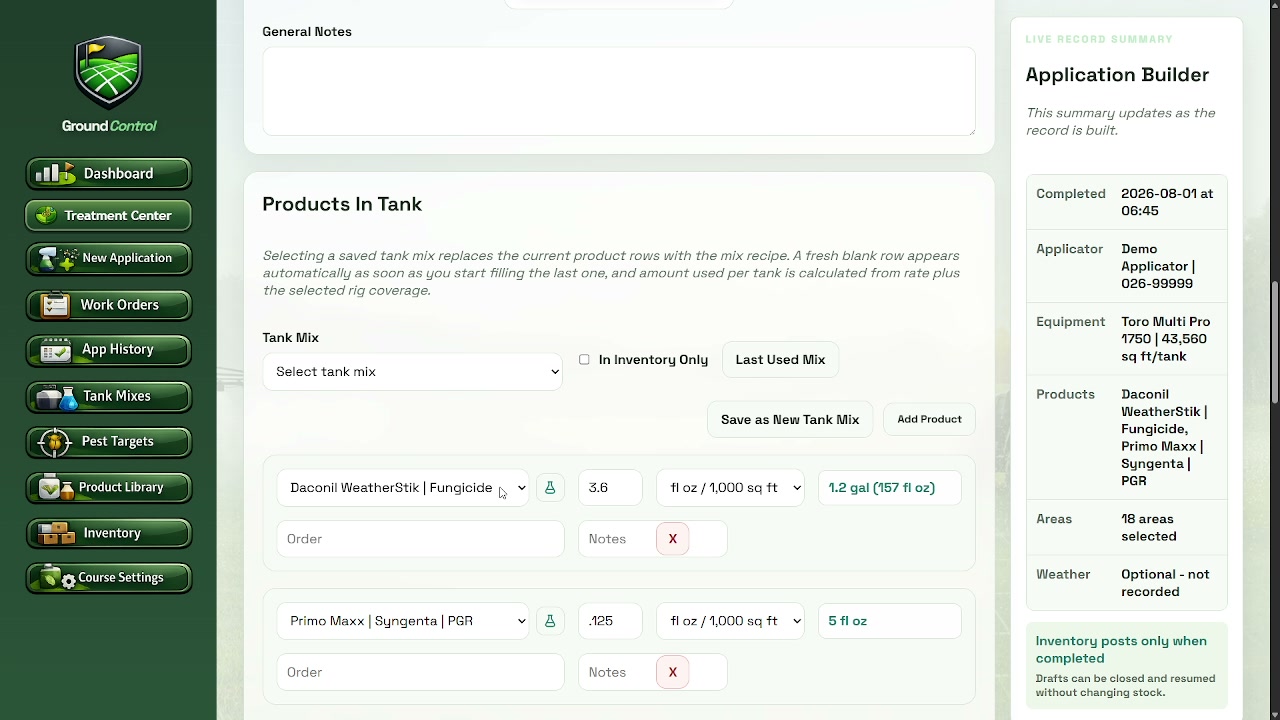
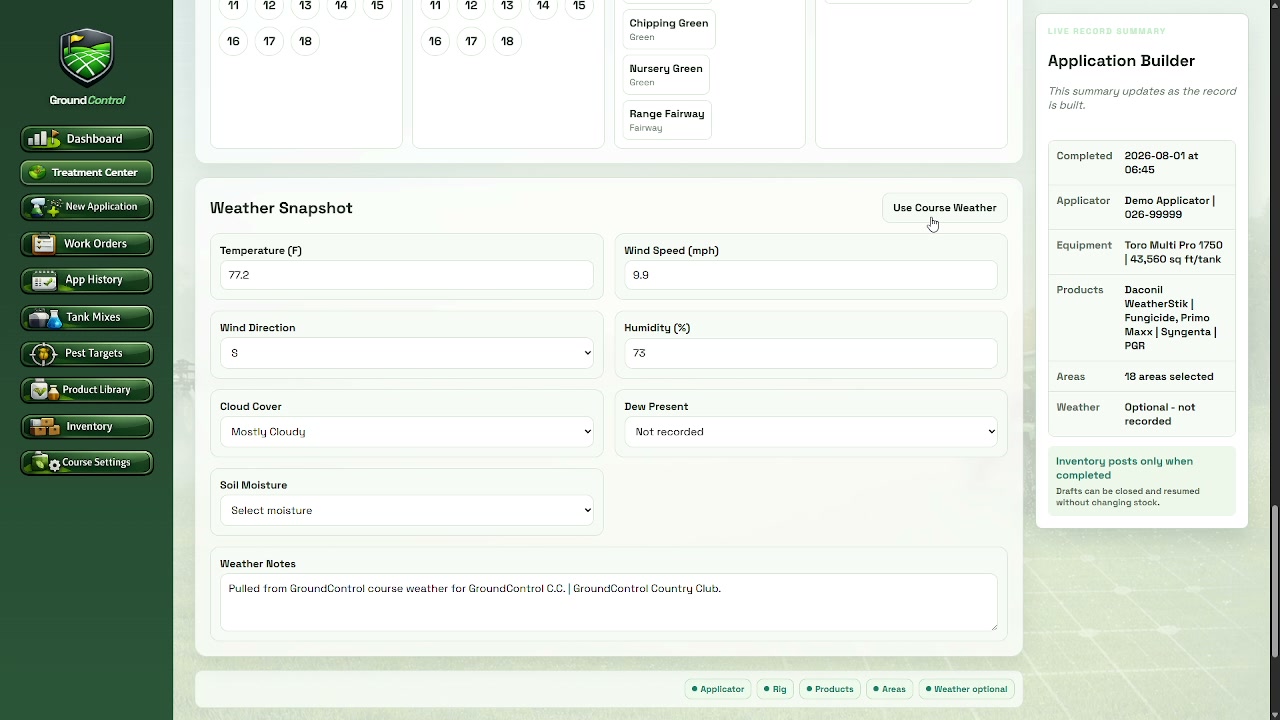
Keep the applicator, equipment, products, rates, labels, inventory, treated areas, weather, and completed record together.
One operating toolset
Each module handles a specific part of the maintenance operation. Together, they keep more of the course's working record in one environment.
 Purchases and spending
Photograph or upload the invoice, code the purchase, and keep the file with the record.
See how it works Equipment and shop history
Give every machine a repair, service, parts, photo, and cost history that stays with the course.
See how it works Maps and repair records
Keep the irrigation map current and the repair record tied to the right place.
See how it works Annual planning
Build the maintenance plan around course categories, payroll, expenses, and Chem/Fert work.
See how it works Course conditions
See course conditions, work and spray windows, rain timing, alerts, and radar together.
See how it works Course and staffing context
Keep tournaments, closures, reminders, and time off visible to the maintenance plan.
See how it worksThe connected payoff
When jobs, applications, repairs, weather, and spending are recorded as they happen, GroundControl can gather the week into one report. You review the message without rebuilding every detail from memory.
See the Weekly Report FridayWeekly Report
A readable account of the work already recorded.
More useful with use
A course is too complicated to keep entirely in a few people's memory. GroundControl helps the useful details stay with the operation.
Build the board, capture follow-ups, and keep the first records.
Look back at job frequency, applications, repairs, purchases, and service.
A new assistant or mechanic starts with history instead of a blank slate.
Built from the golf course
The Job Board came from trying to organize daily work better. Course Actions came from needing the right job when labor opened up. TurfCare Log came from needing better application records. Invoice Tracker came from needing immediate command of spending.
Read how the system fits together →Try it on a real operation
GroundControl will personally help set up a working starting point for your course. Use it for 45 days and tell us plainly what helps and what gets in the way.